
Android time travel debugging for mobile app security
Test your release build with its protections on. Epoch records your app on a full Android system from the outside, with nothing installed in the phone, so your team and an AI agent can answer security questions with evidence at the exact instruction.
Android time travel debugging for mobile app security
Test your release build with its protections on. Epoch records your app on a full Android system from the outside, with nothing installed in the phone, so your team and an AI agent can answer security questions with evidence at the exact instruction.


Mobile apps are built to be hard to look inside.
The app detects your tools
Root, hooking and debugger checks spot your setup. The app changes what it does, or closes before you see anything.
The answer is outside the code you hooked
Hooks show the functions you chose. Packed native libraries, the Android framework and the kernel stay out of view.
Every look means replaying the journey
Launch, log in, type a PIN on a scrambled keypad. Miss the moment and you start again, and the next run may differ.
Full-system record and replay for Android.
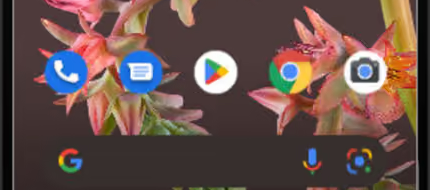
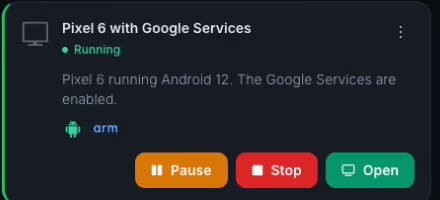
Twin.a, our Android emulator, runs a full-system Google Pixel 6 on any Android version up to the latest. Built on QEMU, it makes runtime data from userland and the kernel available, with pre-built OS-specific symbols. It resumes in seconds from a snapshot taken once Android has started. Install your APK and save a snapshot at any step.
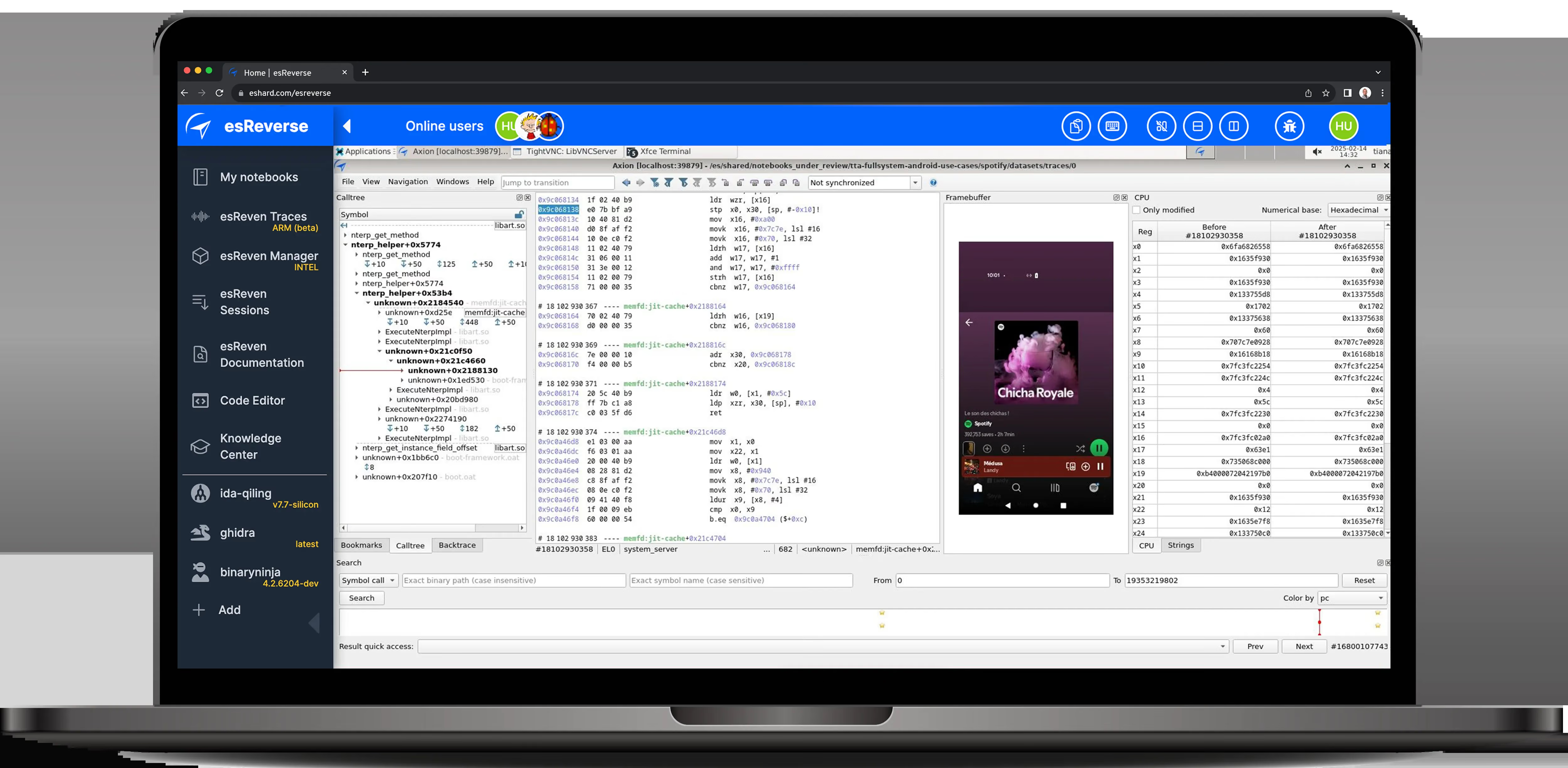
Epoch records the whole phone from the outside, in one trace: every instruction, register and memory access of your app’s native code, the Android runtime, the framework and the kernel. Nothing is installed in the phone, so the app runs as it would for a user.
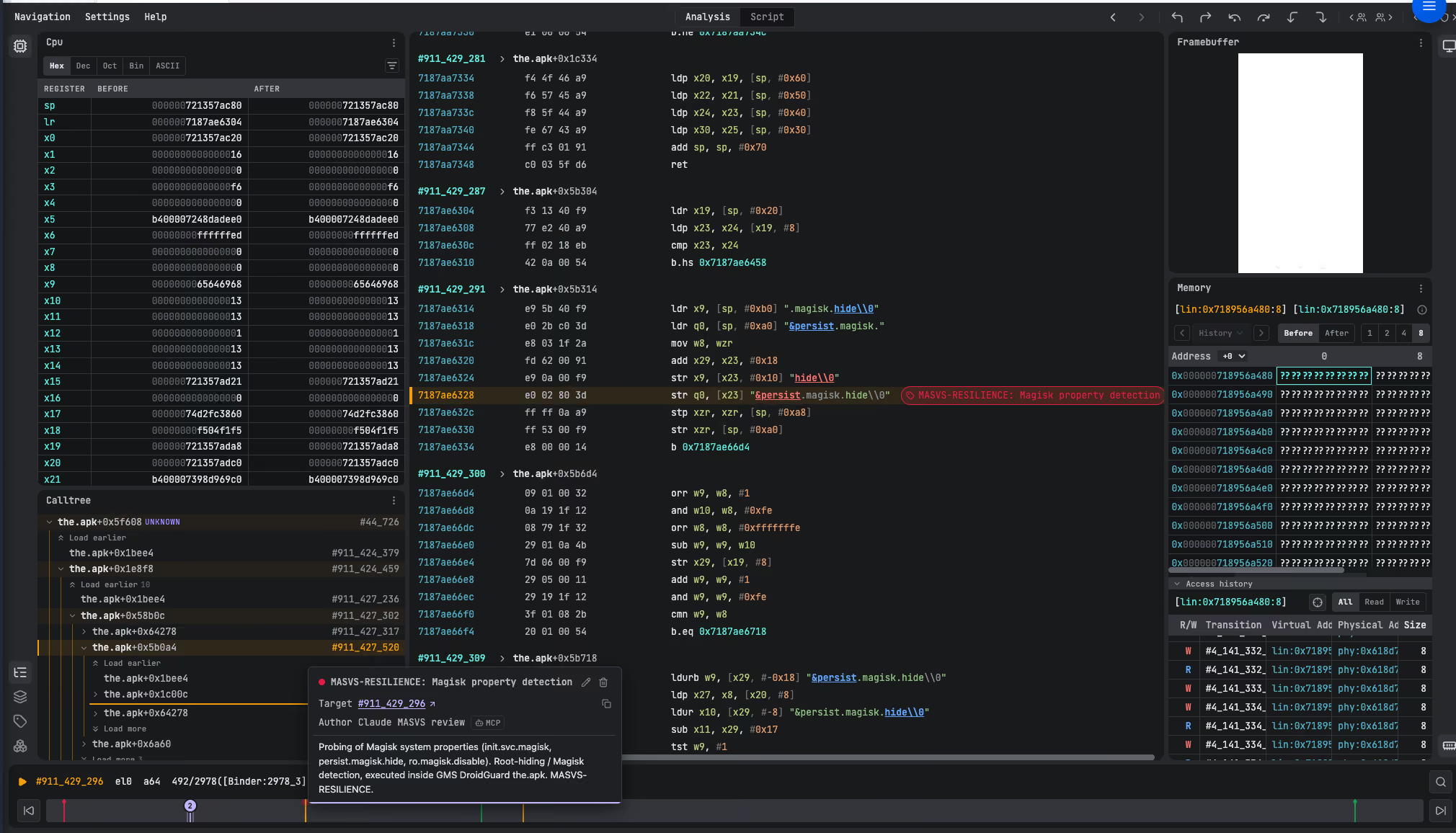
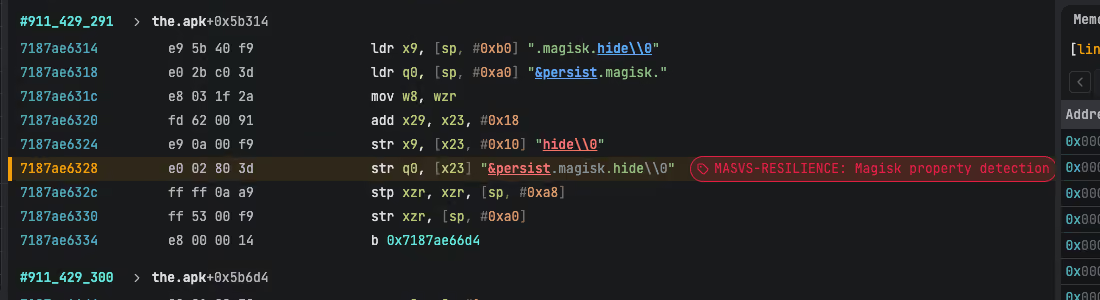
In Epoch, move backwards from any screen to the code behind it. Search the strings the app used and every call to a function, follow the PIN with taint analysis, and tag the instructions that answer your test cases.
Explore a full Android recording, kernel included.
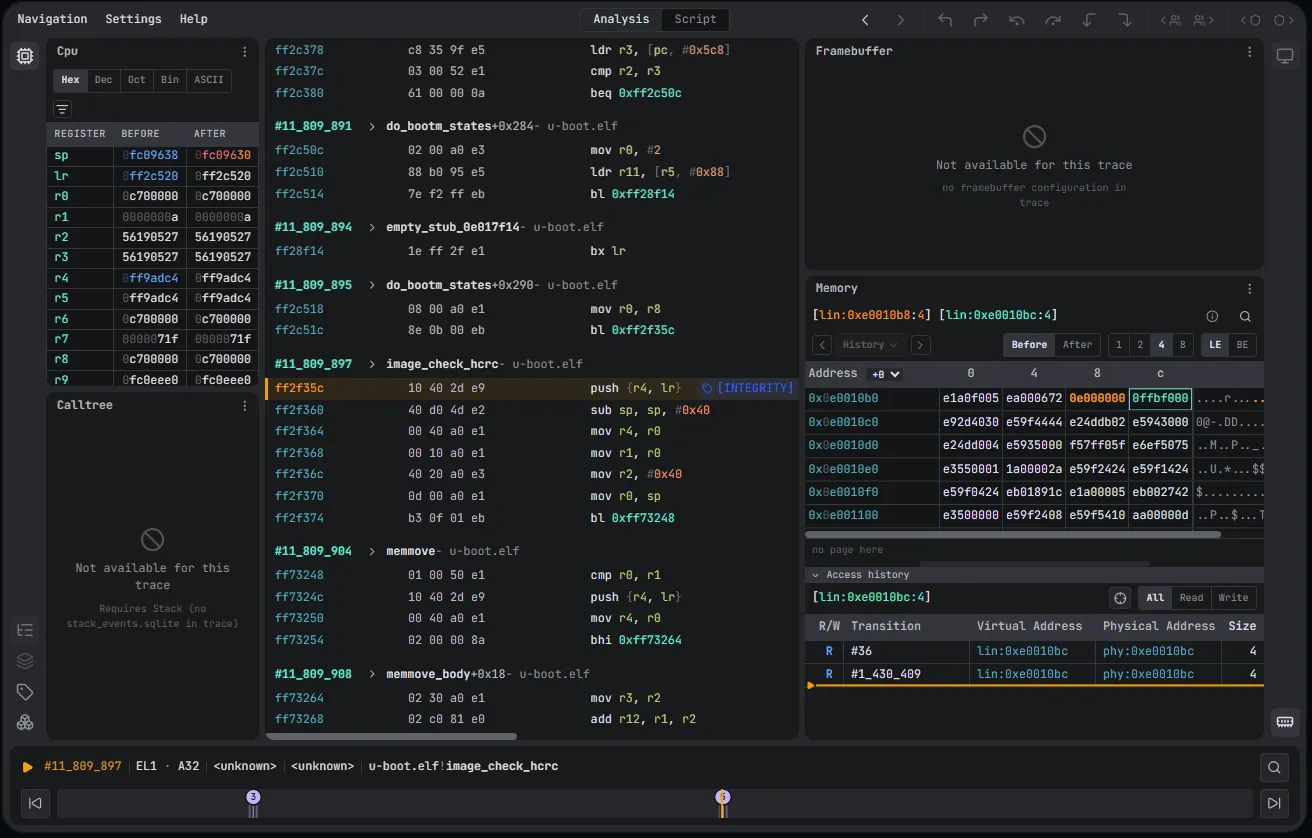
Open Epoch in your browser on a full-system recording of a Pixel 6. Step backwards and forwards through any instruction, check the registers and memory at any moment, and jump between the bookmarks we left on the key moments.
Explore the trace ↗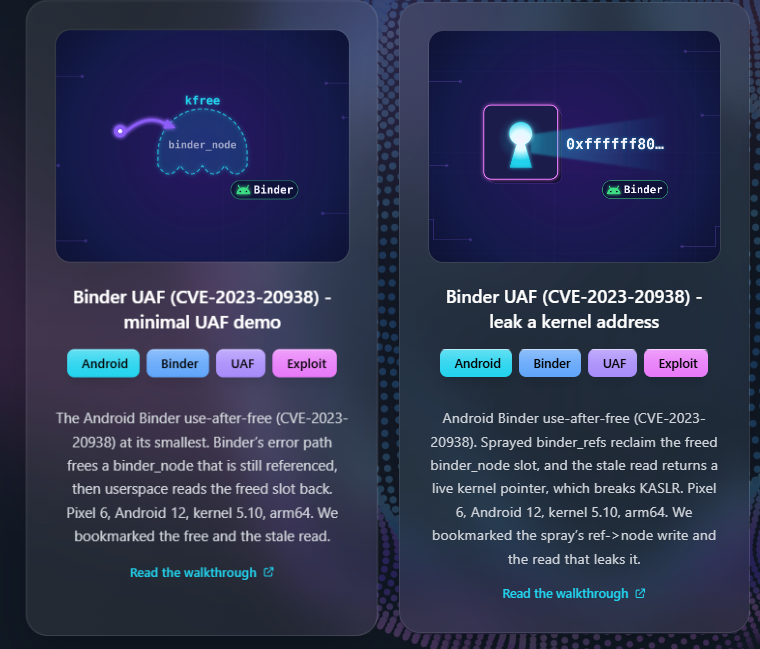
A live session ends. A recording stays.
Without Epoch, every look at the app is a new live session. With Epoch, the whole phone is recorded once, and every answer points to an instruction anyone can check.
One platform for the whole investigation.
esReverse brings Epoch and the mobile tools your team already uses into one shared workspace, so what you find doesn’t disappear when a session ends.
Your mobile tools, in the same project
ADB, Frida, Ghidra or Binary Ninja sit next to the trace. Download any binary that ran, and read its code next to what it actually did at runtime.
Work on the same recordings
Every Epoch recording is shared with the project’s members. Tags and comments stay on the exact instruction, so when one analyst finds where the PIN is processed, the next one starts from there.
Build on every release
Recordings, snapshots and test results stay in the project, so the next version of the app starts from what the team already knows.
For mobile teams who need to see what the app really did.
Mobile AppSec
Answer OWASP MASVS questions in-house, with evidence anyone can check.
Mobile pentesting
Test the store build, not a stripped one, and go back to any check as often as you need.
App protection
Show that your root and hooking checks run, and what the app does when they fire.
Mobile developers
Go back from a crash or a wrong value to its cause, in Kotlin or in native code.
See it in action.
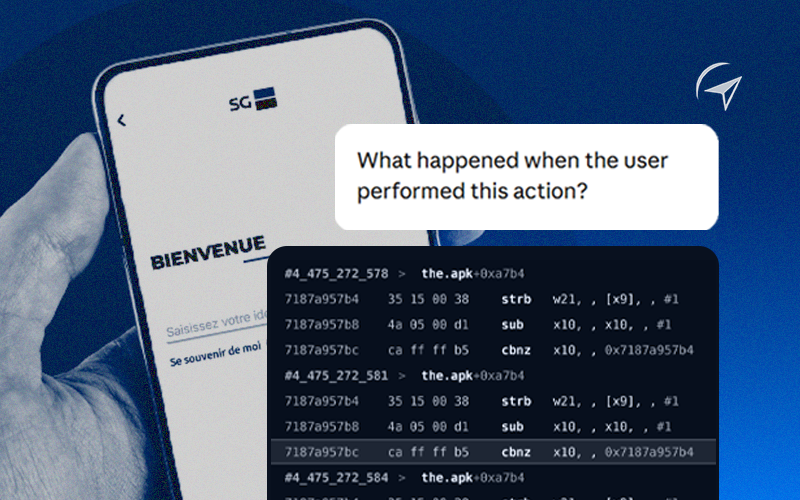
Can AI bring Mobile Application Security Analysis in-house?
A French bank’s app, recorded from prompts through a PIN login. An AI agent then wrote an OWASP MASVS report from the traces.

Recording Android App Execution Traces with Time Travel Analysis
Spotify playing a song, Telegram receiving a message, Amazon adding to the cart: each moment recorded on a full Android system, ready to rewind.

Lightweight Time Travel Analysis with Frida
When an app needs real hardware, trace its native library on a real phone with Frida, then analyze it backwards in Epoch.
Let’s look at your Android app.
Tell us what you need to check: a protection, a credential flow, a native library or a crash. We’ll see whether it’s a good fit and walk you through the workflow on an app like yours.
Frequently Asked Questions

MAST tools scan the APK or test the app from the inside, often on a build with its protections removed. Epoch records the build you ship on a full Android system and keeps the recording as evidence. It works alongside your scanner, to answer the questions a scan can’t, at the instruction.
Yes. Nothing is installed in the phone: Epoch records it from the outside, so you can see where each check runs, what it reads and what the app does with the result. The app does run on a virtual phone, and some apps check for that. Apps that need hardware such as a SIM card or a fingerprint sensor can be traced on a real phone with Frida instead.
Yes. You tag the instructions that answer each test case with the MASVS control, for example MASVS-RESILIENCE for a root check. The tags stay with the recording, so anyone on your team, or an auditor, can check the finding.
Yes. Epoch records every instruction on the phone, 64-bit and 32-bit Arm code alike, so the app’s native libraries, the Android runtime, the framework and the kernel are all in the same trace.