
Time Travel Debugging on Windows
Learn to record and analyze Windows executions with Time Travel Debugging, tune your setup for malware analysis and automate tasks in Python.


What you'll learn
Skills you'll gain
Courses
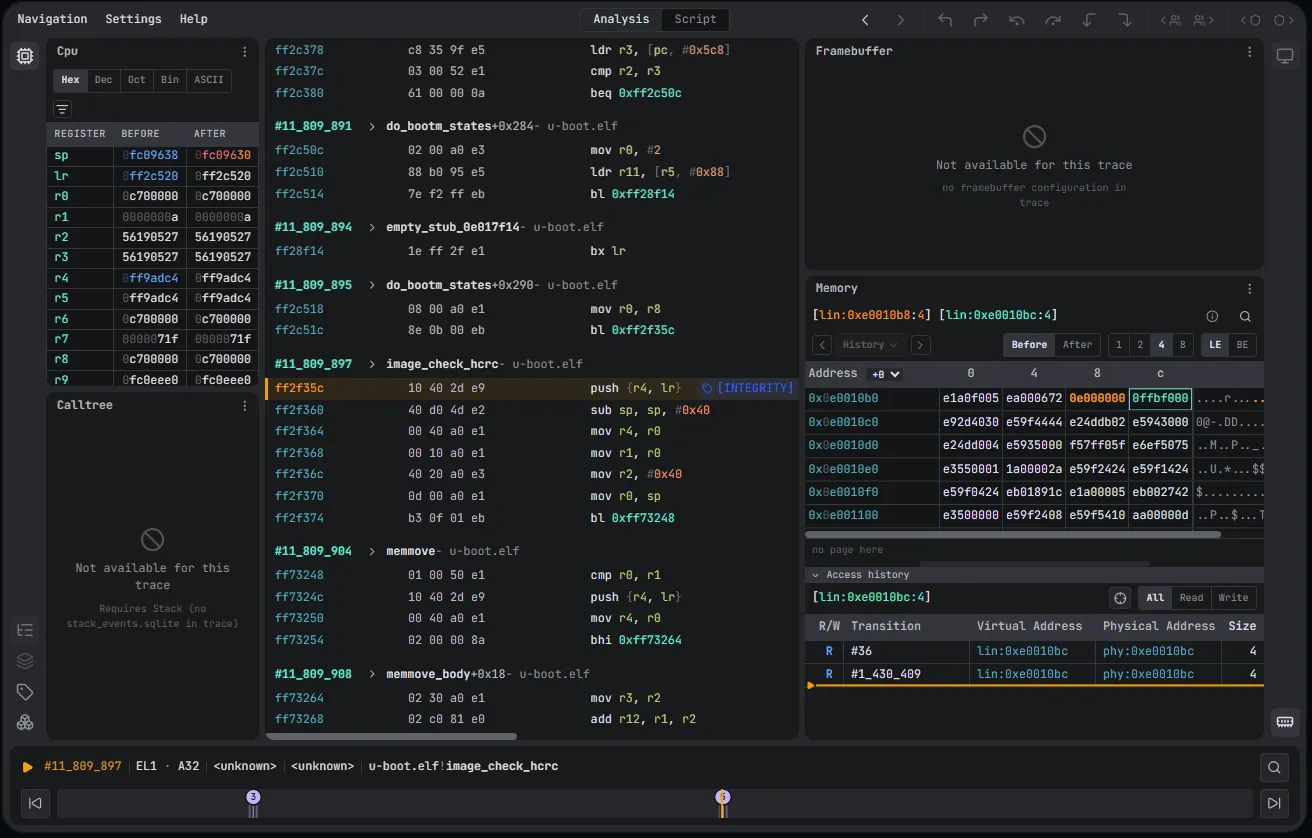
Get hands-on with Time Travel Debugging for vulnerability research and malware analysis on Windows. You'll explore the engine's features from basic to advanced, learn to use the specialized Time Travel Debugging interface, and work through the full workflow, including recording, trace generation, and scenario analysis. The module also covers optimizing your environment for smaller recordings and malware analysis, and automating tasks using the Python API, scripting, and record/replay functions. By the end, you'll be able to confidently apply Time Travel Debugging in practical scenarios.
We adapt every course to your team's level and targets before the session.
Frequently Asked Questions

Share your scope, or even a specific target, and we personalize the session. We select the courses that match your trainees' current knowledge and your objectives, then send you all the information about the training.
No. We give each trainee their own esDynamic account for the training, and everything happens inside it: the theory, the exercises and the wrap-up. It's the same platform your team would use in its daily work.
Three parts: a theory introduction, hands-on exercises in notebooks that trainees work through with the trainer, and a wrap-up where trainees and trainer review every exercise together.
Yes, all of it: slide decks, knowledge notebooks and exercise notebooks. Your team can reuse them in its own esDynamic environment, if you have one.