
Mobile App Reverse Engineering: Advanced
Learn advanced mobile reverse engineering: Frida instrumentation, ARM assembly review, Ghidra, and the obfuscation that protects native code.


What you'll learn
Skills you'll gain
Courses
Learn code instrumentation, a dynamic analysis technique for controlling an application's behavior at runtime, including intercepting data between functions and modifying function code. Frida is the go-to framework for this kind of work, and this course teaches you how to use it to reverse engineer mobile applications.
Learn how to review ARM assembly code using reverse engineering tools such as IDA and Ghidra.
A beginner-friendly, step-by-step introduction to Ghidra, from creating your first project to running your first analysis. You'll get familiar with the most useful features and practice by analyzing an ARM binary.
Learn how native code obfuscation and deobfuscation techniques are used to protect applications with native components written in C and C++. You'll explore how these techniques obscure code functionality and structure to deter reverse engineering and protect intellectual property.
We adapt every course to your team's level and targets before the session.
Frequently Asked Questions

Share your scope, or even a specific target, and we personalize the session. We select the courses that match your trainees' current knowledge and your objectives, then send you all the information about the training.
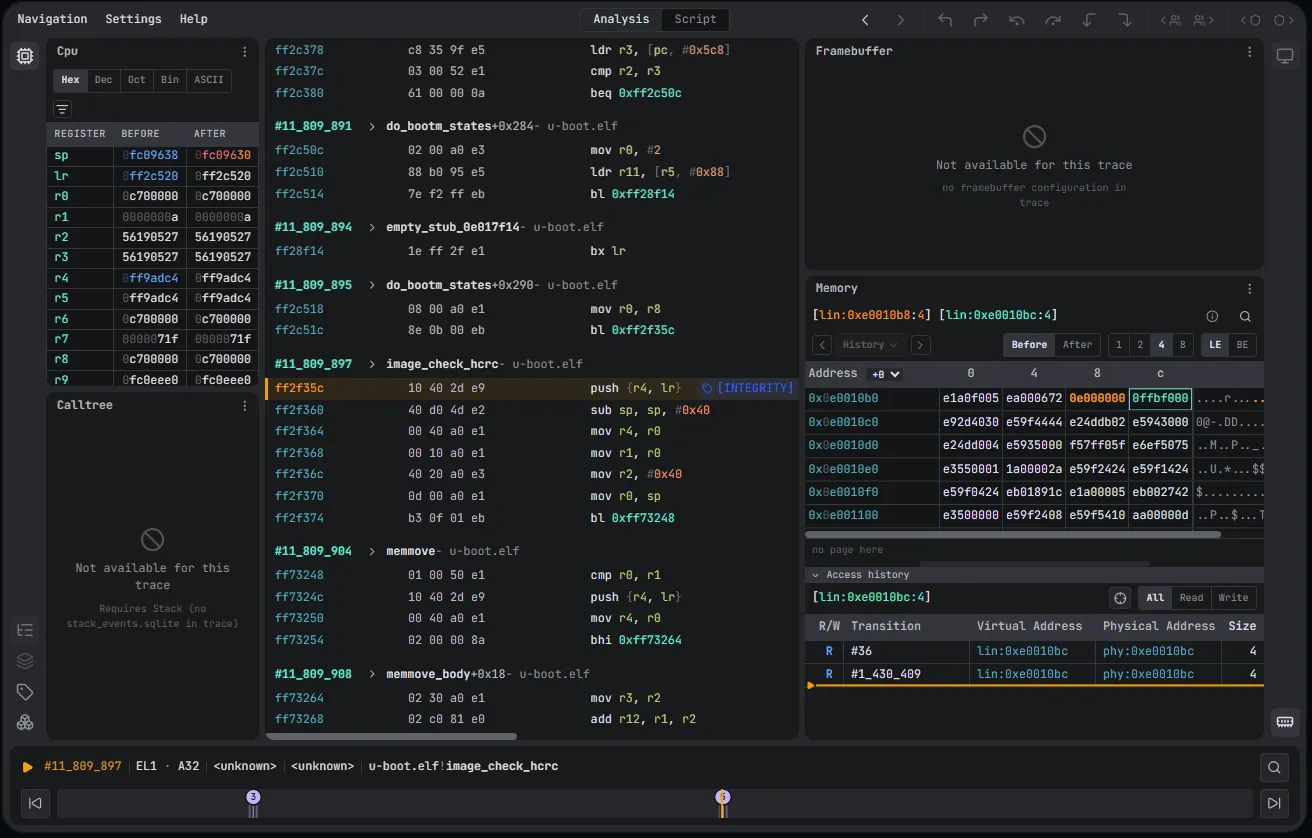
No. We give each trainee their own esDynamic account for the training, and everything happens inside it: the theory, the exercises and the wrap-up. It's the same platform your team would use in its daily work.
Three parts: a theory introduction, hands-on exercises in notebooks that trainees work through with the trainer, and a wrap-up where trainees and trainer review every exercise together.
Yes, all of it: slide decks, knowledge notebooks and exercise notebooks. Your team can reuse them in its own esDynamic environment, if you have one.